Installation Guide
The download section provides four distinct installation packages tailored to your system requirements and deployment preferences:
- Download Installer: Standard Windows installer package (
.msi). - Download Zip: Portable, standalone archive.
- Download Installer Light: Compact installer for environments with pre-existing runtimes.
- Download Zip Light: Compact portable archive for environments with pre-existing runtimes.
Standard Installation via Windows Installer
The standard installer provides a guided setup wizard and automatically provisions necessary platform dependencies.
- Download the
FastDesignerInstaller.msipackage. - Launch the installer executable to initialize the setup wizard, then click Next.
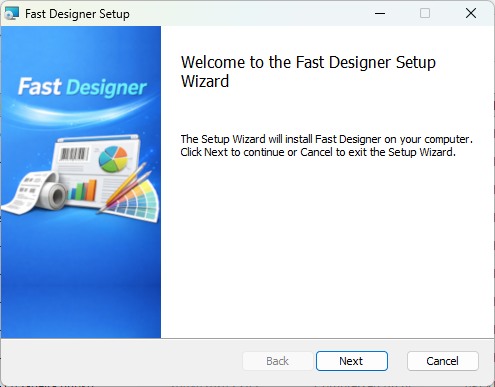
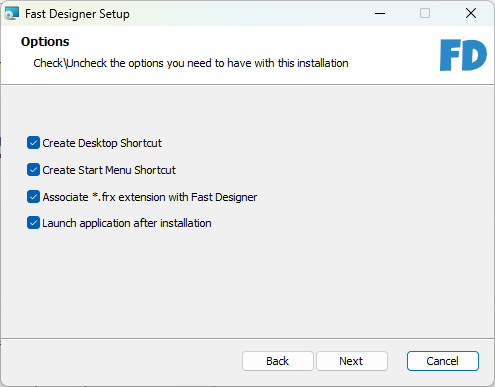
- Review and accept the end-user license agreement, specify your preferred local target installation directory, and configure your optional setup features.
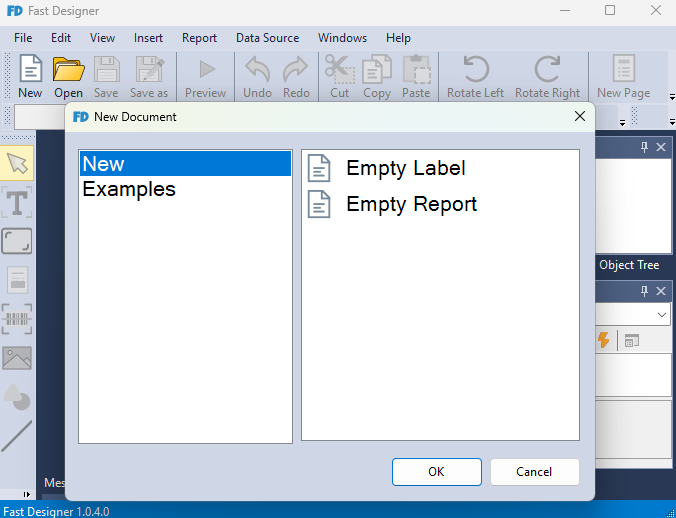
- Complete the installation process. Once finalized, Fast Designer launches automatically.
Portable Deployment via ZIP Archive
If you prefer a portable deployment, use the compressed package.
- Download the portable
.zipdistribution file. - Extract the archive contents to a secure directory of your choice.
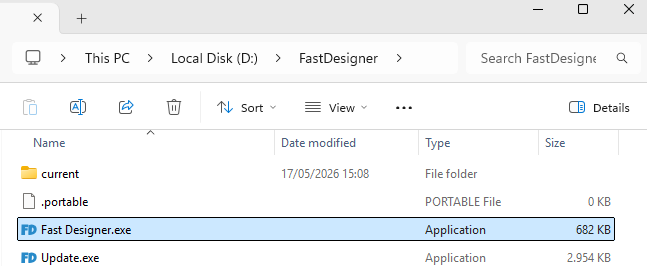
- Open the destination folder and execute
Fast Designer.exeto start the application.
Light Configurations (Installer Light / ZIP Light)
The standard Installer and ZIP configurations come bundled with the complete .NET 8 runtime environment to ensure out-of-the-box compatibility.
If the .NET 8 Runtime is already deployed globally on your target workstation, select either the Installer Light or Zip Light option to significantly minimize your initial download size.